Descript Review: Text-Based Editing for Faster, Cleaner Audio
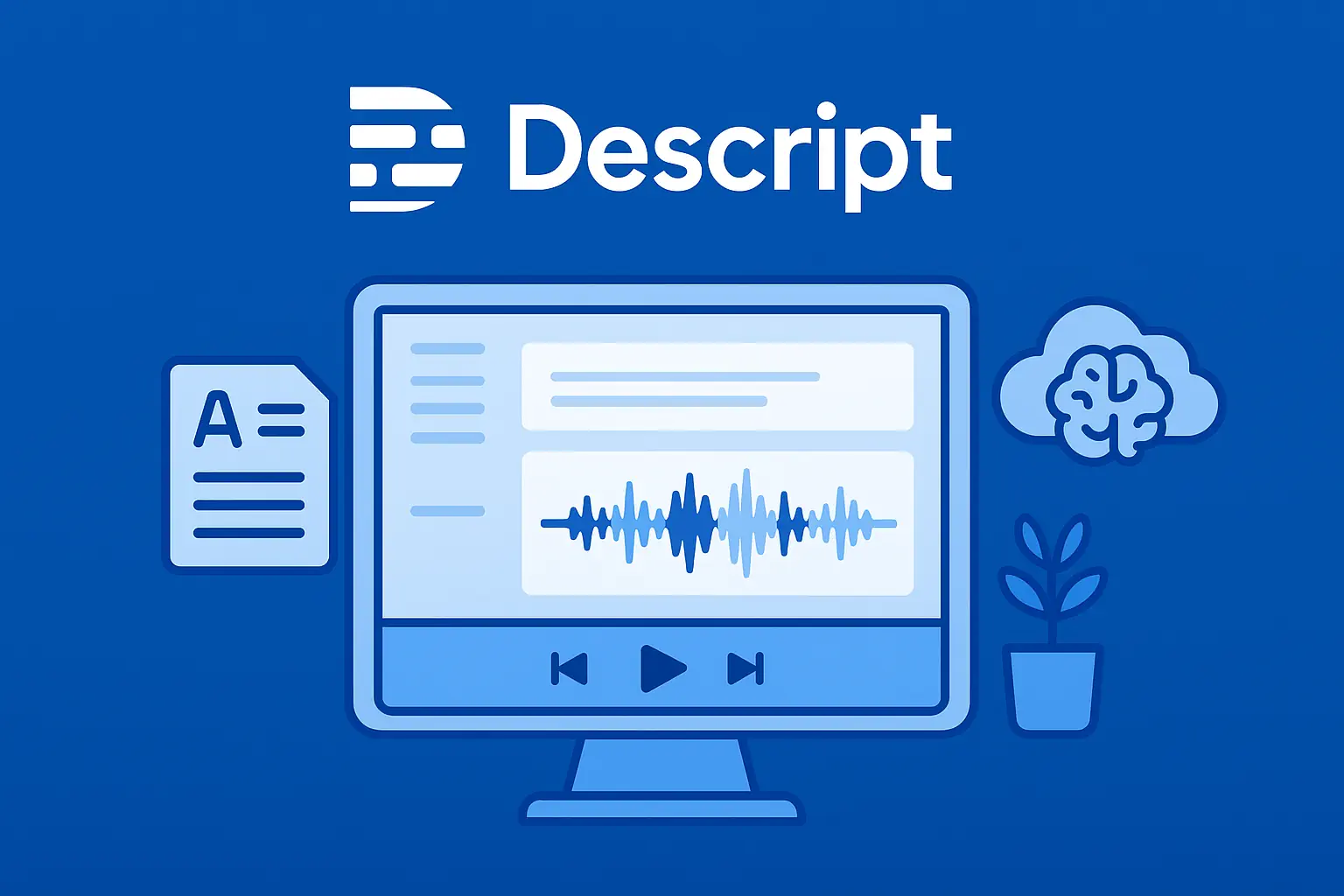
If you hate scrubbing timelines and trying to cut ums inside a tiny waveform, Descript is one of the few tools that actually changes how you edit. Instead of living in a traditional DAW, you edit your audio and video by working in a transcript. Delete a sentence from the text, and Descript removes it from the audio. Apply AI cleanup, and your noisy recording suddenly sounds like it was done in a treated room.
In this review, we’ll look at where Descript really shines for AI audio work – cleanup, transcription, diarization, and podcast workflows – and where you may still want a more traditional editor in your toolkit.
AI Audio Gear may earn a commission if you purchase through links on this page, at no extra cost to you.
Quick Verdict
Descript is best for creators who care more about speed and clarity than microscopic control. It’s excellent for:
- Podcasters and YouTubers who want to edit by reading, not scrubbing a timeline.
- Teams who need fast transcripts, rough cuts, and shareable drafts.
- Creators who want “good enough” audio cleanup without learning a full DAW.
It’s less ideal if you’re:
- A mix engineer who needs precise control over EQ, compression, and mastering.
- Working with big multitrack music sessions or complex sound design.
- Uncomfortable with cloud-based tools or AI voice cloning features.
Bottom line: For spoken-word content, Descript can easily replace your basic editor and cut your editing time in half. For deep audio engineering, it’s a strong front-end, but not your final stop.
Who Descript Is For
- Solo podcasters who need a simple way to cut mistakes, remove filler words, and publish consistently.
- Podcast teams and agencies who want writers, editors, and producers all working from the same transcript.
- YouTubers and educators who record screen + mic and want quick edits without bouncing between tools.
- Business users creating training, demos, or webinars that need quick cleanup and easy exporting.
If your main workload is voice-first content – interviews, tutorials, commentary, live streams – Descript fits very naturally into the stack alongside your mic, interface, and host.
Key Features That Matter for AI Audio Work
1. Text-Based Editing (The Core Idea)
Descript transcribes your audio, then turns that transcript into the primary editing surface. You can:
- Select sentences or paragraphs and delete them like text.
- Reorder sections by cutting and pasting text blocks.
- Search for “um,” “uh,” or specific phrases and cut them in bulk.
- Drop markers and comments directly inside the transcript.
This is a huge advantage if you think in language, not in waveforms. For long-form speech, it’s dramatically faster than traditional timeline-only editing.
2. Studio Sound (AI Audio Cleanup)
Descript includes an AI-powered cleanup module designed to reduce room noise, hiss, and general “recorded in a spare bedroom” problems. It’s not a full mastering chain, but it’s very useful for creators who don’t want to learn EQ and noise reduction plugins.
- Quickly improves clarity on most spoken-word recordings.
- Best used lightly – overdoing it can make voices sound processed or phasey.
- Ideal for interviews, Zoom calls, and remote recordings that need help.
For more advanced control, you can still take your audio into a dedicated editor like Reaper or Audition after Descript has done the heavy lifting.
3. Transcription & Speaker Labeling
Descript’s transcription is solid for English and a growing list of other languages. For AI Audio Gear users, the key points are:
- Automatic transcription on import, with reasonable accuracy.
- Speaker labeling so you can mark “Host,” “Guest 1,” etc.
- Easy search and replace across the transcript for names or terminology.
- Export options for text, subtitles, and captions.
If you’re building workflows around transcription and diarization tools, Descript can function as both your rough transcriber and your editing interface.
4. Multitrack Editing for Podcasts & Screencasts
Descript supports multiple audio and video tracks, so you can handle:
- Host + guest audio on separate tracks.
- Screen recordings with picture-in-picture overlays.
- Music beds and simple sound design elements.
It’s not meant to replace a full DAW, but it’s more than enough for the majority of podcast and YouTube workflows – especially when paired with its transcript-based editing.
5. Overdub Voice Cloning (Use Carefully)
Overdub is Descript’s AI voice cloning feature. You record training data, and Descript can then generate speech in your voice from text.
- Great for fixing small mistakes without re-recording entire sections.
- Useful for last-minute line changes or sponsor updates.
- Requires explicit consent and training, which is good from an ethics standpoint.
If voice cloning makes you uneasy, you can simply ignore this feature and still get full value from the rest of the tool.
Audio Cleanup Performance
For AI Audio Gear, the main question is simple: can Descript turn a rough recording into something you’d be comfortable publishing?
In most cases, yes – especially if your audio is “rough but not wrecked.” Studio Sound and basic EQ/compression presets can:
- Reduce constant background noise (fans, HVAC, computer hum).
- Even out volume between speakers.
- Make voice presence clearer without heavy manual tweaking.
However, if you’re dealing with extremely noisy environments or need broadcast-grade polish, Descript is a great first pass, not necessarily the final stage. That’s where specialized tools in the voice cleanup & enhancement category still have an edge.
Transcription, Diarization, and Searchability
Descript’s transcript isn’t just a convenience – it becomes part of your workflow:
- Use search to jump instantly to specific segments of a long interview.
- Mark highlights and export them as clips for social media.
- Export transcripts for show notes, blog posts, or accessibility.
It doesn’t replace deep-dive diarization tools or ASR engines in the transcription & diarization space, but for most creators, it’s more than good enough – and it’s integrated directly into editing.
Podcast Editing Workflows With Descript
Here’s what a typical podcast workflow looks like inside Descript:
- Record locally or import separate tracks for each speaker.
- Let Descript transcribe and auto-label speakers.
- Read through the transcript, cutting tangents and dead air as text.
- Use Studio Sound and basic processing to clean up the mix.
- Add intro/outro music and bumpers as separate tracks.
- Export a final WAV/MP3 for your podcast host – or send audio to a DAW for final mastering if needed.
For many podcasters, this is enough to stay consistent without hiring an editor or sinking hours into manual timeline edits. It also fits nicely into broader podcast editing workflows covered elsewhere on AI Audio Gear.
Pricing and Value
Descript uses a tiered pricing model with:
- A free tier for testing the workflow and small projects.
- Paid plans that unlock more transcription hours, higher export limits, and collaboration features.
- Team-oriented tiers for agencies and larger productions.
Pricing shifts over time, so instead of quoting exact numbers here, it’s better to think about value:
- If Descript replaces a freelance editor for simple shows, it easily pays for itself.
- If you’re already comfortable in Reaper, Audition, or Pro Tools, Descript may serve as a front-end for rough cuts and transcripts rather than your primary editor.
For most podcasters and content creators, Descript is priced fairly relative to the time it saves.
Descript vs Other AI Audio Tools
Descript overlaps with several other tools you’ll find on AI Audio Gear, but it doesn’t replace all of them:
- Dedicated noise reduction plugins still win for surgical cleanup on bad recordings.
- Standalone transcription services may offer better accuracy or language coverage for bulk workloads.
- Full DAWs are still better for music, multiband processing, and complex mixes.
Think of Descript as your editing and collaboration hub, not your only tool. For more specialized needs, you can browse alternatives in the Browse hub or compare tools side-by-side on the Compare page.
Pros and Cons
Pros
- Text-based editing dramatically speeds up spoken-word workflows.
- Integrated transcription and speaker labeling simplify long projects.
- Studio Sound and basic processing give solid “first pass” cleanup.
- Multitrack support for podcasts, screencasts, and basic video edits.
- Overdub can save time on small fixes and last-minute changes.
- Collaboration features make it easy to work with producers, writers, and editors.
Cons
- Not a full replacement for a pro DAW if you need deep mixing/mastering control.
- AI cleanup can sound over-processed if pushed too hard.
- Heavier projects can feel sluggish on lower-powered machines.
- Cloud-based workflows may not fit every security or compliance requirement.
- Overdub requires careful, ethical use and clear consent from any voice talent.
Final Verdict: Should You Use Descript?
If your main work is podcasts, interviews, tutorials, or commentary, Descript is one of the most practical AI-powered tools you can add to your stack. It doesn’t try to be a full mastering suite – it tries to help you edit faster, communicate better with collaborators, and publish consistently.
Use Descript if:
- You want to spend less time scrubbing timelines and more time publishing.
- You value a clean transcript and easy clip exports for social media, blogs, or show notes.
- You’re running a podcast or content operation where multiple people touch the same project.
Skip Descript as your primary editor if:
- You already live in a pro DAW and love detailed audio work.
- Your projects are mostly music or complex sound design rather than spoken-word.
- You require fully offline tools for security or compliance reasons.
For most AI Audio Gear readers, Descript deserves a serious test run. Start with a current project, run it through Descript end-to-end, and see how much editing time it actually saves you.
Descript Review – Edit Audio by Editing Text
A detailed Descript review covering AI cleanup, text-based editing, transcription accuracy, Studio Sound enhancement, and podcast workflows.
Operating System: Web, Windows, macOS
Application Category: AudioEditor
4.5
This post contains affiliate links. If you choose to make a purchase, we may earn a commission at no cost to you.