Adobe Podcast Enhance Review: Fixing Rough Voice Recordings with AI
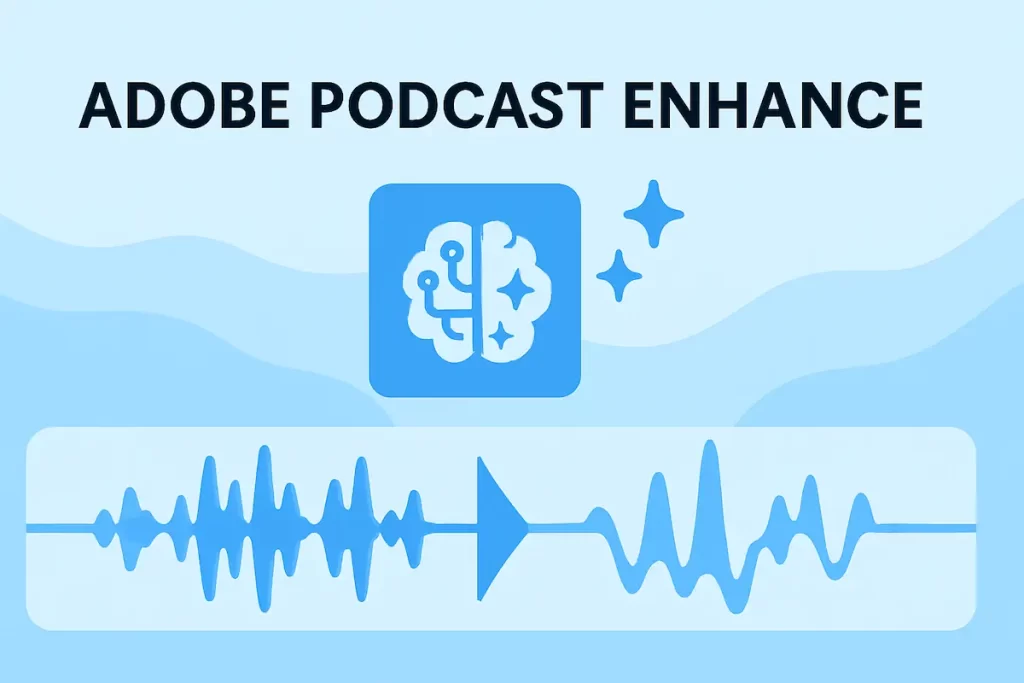
Adobe Podcast Enhance (often called “Enhance Speech”) is one of those tools that feels a bit like cheating. You drop in a noisy, thin, echoey voice recording, wait a few seconds, and it comes back sounding like it was recorded in a treated studio on a much better mic.
But how good is it really, and where does it fit in an audio workflow built around real-world podcast, YouTube, and voice-over work? In this review, we’ll look at what Adobe Podcast Enhance does well, where it falls short, and how it compares to tools like Descript and other options in the voice cleanup & enhancement category.
AI Audio Gear may earn a commission if you purchase through links on this page, at no extra cost to you.
Quick Verdict
Adobe Podcast Enhance is excellent as a single-purpose “make this usable” button for bad or mediocre recordings. When you feed it relatively clean spoken-word audio, it can make your voice sound much more expensive than your actual mic.
It’s best for:
- Podcasters and YouTubers dealing with remote guests, Zoom calls, or noisy environments.
- Creators who record on consumer mics or less-than-ideal rooms.
- Anyone who wants fast, automated cleanup before editing in another tool.
It’s less ideal if you:
- Already have a treated room and good mic technique.
- Need detailed control over EQ, compression, and de-noising.
- Work with complex multitrack projects where you want different processing per track.
Bottom line: Adobe Podcast Enhance is a powerful “first-aid kit” for spoken-word recordings. It’s not a full mastering chain, but it can dramatically upgrade problem audio with almost no effort.
Who Adobe Podcast Enhance Is For
- Solo podcasters recording in spare bedrooms, offices, or rentals with no acoustic treatment.
- Interview shows where guests join on built-in laptop mics or noisy rooms.
- YouTubers who record talking-head content and want better voice clarity without learning audio plugins.
- Business and training teams recording internal podcasts, webinars, or voice-overs on basic gear.
If your biggest problem is “this recording sounds amateur and I don’t know how to fix it,” Adobe Podcast Enhance is a strong candidate for your first processing step.
Key Features for Voice Cleanup & Enhancement
1. One-Click Speech Enhancement
The core idea behind Adobe Podcast Enhance is simple: upload a voice recording, click Enhance, and let the AI attempt to remove noise, reduce room tone, and smooth out the overall sound. There are very few controls to tweak – it’s designed for people who want results, not knobs.
Strengths:
- Can make cheap mics and noisy rooms sound surprisingly polished.
- Great for cleaning up Zoom calls, interview audio, or field recordings.
- Fast enough to slot into regular podcast workflows.
Limitations:
- Sometimes over-processes audio, making voices sound slightly unnatural or “overly bright.”
- Not ideal for music, complex mixes, or heavily produced shows.
2. Web-Based Workflow
Adobe Podcast Enhance runs in the browser, which makes it simple to use on most machines without installing a full desktop DAW. You upload your file, wait for processing, then download the enhanced version.
- No need to install extra plugins or learn a complicated UI.
- Easy to use on different machines or with a small team.
- Pairs well with editors like Descript, Audition, or Reaper as a pre-processing step.
The tradeoff is that you’re dependent on an internet connection and Adobe’s servers. For secure or offline-only workflows, that may be a dealbreaker.
3. Integration With Wider Adobe Tools
Adobe Podcast Enhance doesn’t live in a vacuum. If you’re already using Adobe Audition or Premiere Pro, it can slot into a larger Adobe-centric workflow:
- Clean voice audio with Enhance, then assemble and mix in Audition.
- Use Enhance for spoken-word segments in video projects before finalizing in Premiere.
- Keep most of your workflow inside Adobe’s ecosystem if that’s already where you live.
If you’re not an Adobe user and don’t plan to be, Enhance is still usable as a stand-alone cleanup step – you just lose the convenience of tighter integration.
4. Handling Problem Audio
Adobe Podcast Enhance is particularly good at rescuing:
- Recordings with constant background noise (HVAC, fans, hum).
- Echoey rooms with noticeable room tone.
- Thin-sounding laptop or headset mics.
But it’s not magic. Extremely distorted audio, clipping, or severely garbled speech can’t be fully repaired. For those situations, more specialized tools in the voice cleanup & enhancement stack or manual editing may still be required.
How It Fits Into a Real Podcast Workflow
Most podcasters won’t rebuild their entire workflow around Adobe Podcast Enhance. Instead, it usually becomes one step in a chain:
- Record locally or over Zoom/Meet with whatever gear you have.
- Upload the raw voice track to Adobe Podcast Enhance.
- Download the enhanced file once processing completes.
- Import the cleaned-up audio into your editor (for example, Descript or a traditional DAW).
- Edit, mix, and master as usual.
For many creators, this single cleanup step is enough to move them from “this sounds amateur” to “this is fine to publish,” especially when paired with basic EQ and leveling.
If you’re still deciding what the rest of your stack should look like, you can explore curated recommendations on the Best AI Audio Tools (Top Picks) page or dive into the full catalog on the Browse hub.
Pricing and Value
Adobe frequently changes how Podcast Enhance is packaged and priced, so it’s better to think in terms of value than quoting exact numbers.
- If you already pay for Adobe Creative Cloud, Enhance can feel like a “free bonus” that significantly upgrades your voice recordings.
- If you’re only interested in this single tool, pricing comes down to how many bad recordings you need to rescue each month.
- Compared to hiring an editor just to clean audio, it’s often much cheaper over time.
For creators publishing regularly, even a small improvement in perceived quality can be worth the cost if it helps keep listeners from bouncing due to bad sound.
Adobe Podcast Enhance vs Other Voice Cleanup Tools
Adobe Podcast Enhance competes with a range of AI noise reduction and enhancement tools. Compared to more advanced processors, it’s:
- More hands-off – fewer controls, faster to use.
- Less surgical – you don’t get the same level of fine-grained control as specialist plugins.
- More approachable for non-engineers who just want better sound.
If you want to see how it fits into the broader market, you can explore alternatives in the voice cleanup & enhancement category or compare specific tools head-to-head on the Compare page.
Pros and Cons
Pros
- Extremely easy to use – minimal settings, fast results.
- Can dramatically improve poor or average voice recordings.
- Great for remote interviews, Zoom calls, and low-end mics.
- Works well as a first step before editing in another tool.
- Fits naturally for users already inside the Adobe ecosystem.
Cons
- Limited control for users who want detailed audio shaping.
- Can sound over-processed or unnatural on some voices.
- Requires cloud processing and a stable internet connection.
- Not ideal for music, complex mixes, or highly produced shows.
Final Verdict: Is Adobe Podcast Enhance Worth Using?
If you regularly end up with recordings that are good enough content-wise but not good enough sound-wise, Adobe Podcast Enhance is an easy win. It won’t replace a careful mix engineer, but it can get you from “painful to listen to” to “this sounds acceptable” in one step.
Use Adobe Podcast Enhance if:
- You record in less-than-ideal rooms or on budget gear.
- You deal with noisy remote guests or online calls.
- You want better sound quickly without diving into complex plugins.
Skip it as your main solution if:
- You already have a treated space, good mic technique, and a solid editing chain.
- You prefer full control over every stage of processing.
- You need offline tools for strict security or compliance.
For most AI Audio Gear readers, Adobe Podcast Enhance is worth testing on one of your worst recordings. If it can rescue that, it probably deserves a spot alongside your other core tools in Best AI Audio Tools or your personal stack built from the Browse hub.
Adobe Podcast Enhance Review
A hands-on Adobe Podcast Enhance review covering AI speech cleanup, noise reduction, and voice enhancement. See how well Adobe’s Enhance tool rescues thin, noisy, or echoey recordings—and whether it belongs in your podcast or YouTube workflow.
Operating System: Web-based (browser)
Application Category: Audio Enhancement Software
4.6
This post contains affiliate links. If you choose to make a purchase, we may earn a commission at no cost to you.